Enjoy 5% Off Your first order
offers and home ideas.
{{ news.error }}


Help & Advice
Our Help & Advice section has everything you need to choose your electric blinds with confidence.
Why Electric blinds?
Remote controlled electric blinds are more than just an affordable luxury—they’re a smart way to elevate everyday living.
Measuring Up
Our step-by-step guides make it easy to measure accurately for perfectly fitting blinds.
How To Install
Smart design, simple setup—our electric blinds install as easily as standard blinds, no electricians required.

Made To Measure
In The UK

5 year Guarantee*

Free Samples
Smart Technology
Energy Saving
Search Results
Sorry, there were no results for that search, please try searching for somethign else.
Filters
{{slot.removeUnderscores(index)}}
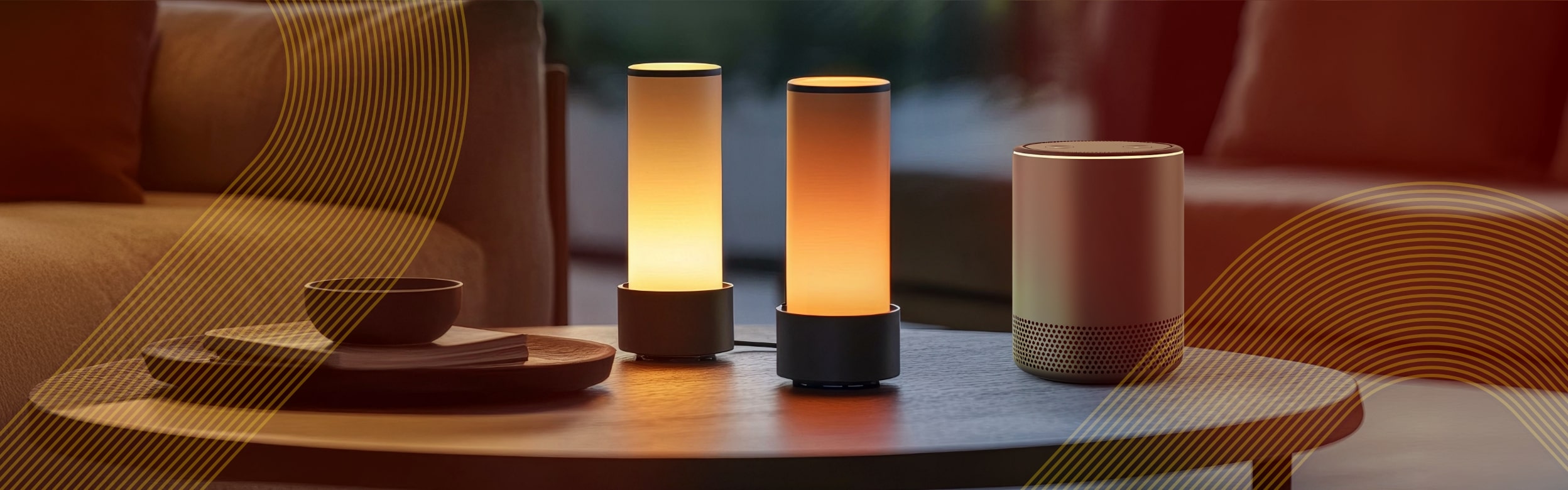
Operating Your Electric Blinds Using Amazon Alexa and Google Assistant
Just say things like, “Alexa, close the blinds” or “Hey Google, open the living room blinds,” and your assistant will send the command via TaHoma to your smart blinds. TaHoma acts as the bridge between your voice assistant and your connected devices, making it easy to manage blinds, lighting, heating, and more—all from one place.
It’s a convenient, modern way to bring comfort, control, and effortless style into your everyday routine.
How to Connect Your Electric Blinds to Alexa or Google Assistant
Google Assistant: the “Somfy TaHoma” action.
“Alexa, open the kitchen blinds.”
“Hey Google, close all the blinds.”
“Alexa, set the living room blinds to 50%.”

Download,
The Tahoma App
Compatible with iOS and Android smartphones and tablets.


FAQ's
- Check your internet connection
- Ensure the TaHoma hub is powered and online
- Confirm blinds are paired in the TaHoma app
- Ask your assistant to “discover devices” again
- Restart your voice assistant and the TaHoma hub
For example: “Alexa, close bedroom blinds.” or “Hey Google, open office blinds.”


Powered Blinds offers a curated collection of smart electric blinds and control systems, designed to bring together modern design and home automation. Whether you're looking to enhance comfort, improve security, or streamline your living space, our innovative range has something to suit. We're always adding new styles and solutions—so if you don’t find what you need today, be sure to visit again soon.
Enjoy complete peace of mind with our five-year guarantee. We're confident in the quality and durability of our products, which is why every blind we offer is backed by a comprehensive guarantee—so you can buy with confidence, knowing you're covered for years to come.
Free delivery for orders over £199.00. For orders under £199.00 we only charge £9.95. Fabric Samples always ship free!

The world leader in producing reliable and hard wearing motors and control systems for the home.
Copyright © 2026 Interior Goods Direct Limited. All Rights Reserved.
Powered Blinds is a division of Interior Goods Direct Limited, suppliers of high quality home and commercial interior products.
Place of registration: UK, Registration number: 04966706, VAT Registration Number 817 3168 28, Registered office: Building 2, Colne Bridge Road, Colne Bridge Huddersfield, West Yorkshire, HD5 0RH